Taskbar Hero DLC 가이드: Class Bundle과 Supporter Pack을 사야 할까?
Taskbar Hero는 무료로 시작할 수 있지만 Steam 페이지에는 추가 클래스, Supporter Pack, stash, soundtrack, bundle이 함께 보일 수 있습니다. 이 가이드는 진행 가치, 보관 편의, 개발자 지원, 소장 가치를 나누어 구매 판단을 돕습니다.
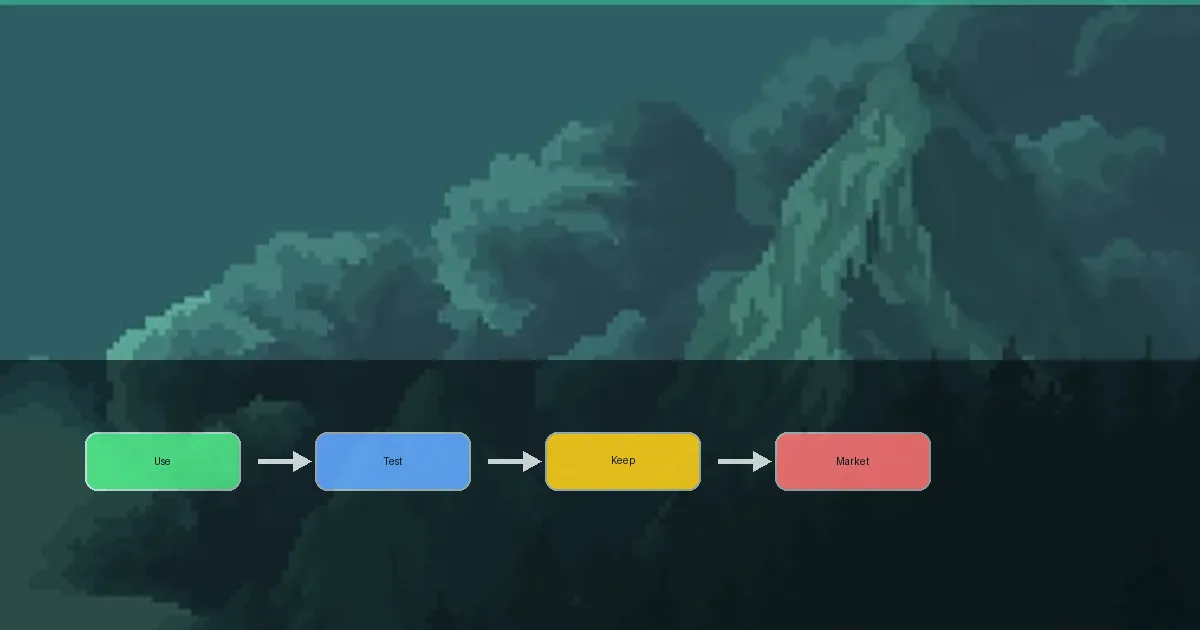
결론: 먼저 무료 본편을 해 보고, 실제 문제를 해결하는 DLC만 고르세요
Taskbar Hero DLC는 첫날 반드시 장바구니에 담아야 하는 필수품이 아닙니다. 클래스는 빌드 선택지를 넓히고, stash는 전리품 정리가 번거로울 때 도움이 되며, Supporter Pack은 개발 지원 성격이 강하고, soundtrack은 소장 가치에 가깝습니다. 무료 본편으로 Act 진행, 장비, rune, cube, Steam Market 흐름을 이해한 뒤 현재 불편한 점과 DLC 범주를 연결하세요.
- 클래스 DLC는 유료 여부보다 역할 적합성으로 판단합니다.
- stash는 아이템 비교와 보관이 반복적으로 부담될 때 고려합니다.
- Supporter Pack과 soundtrack은 지원 또는 소장 목적을 우선해서 봅니다.
- 가격, bundle, 포함 내용은 바뀔 수 있으므로 구매 직전에 Steam에서 확인합니다.
DLC 목록을 읽는 방법
Steam에는 게임플레이 확장, 계정 편의, 지원 구매, 음악이 함께 표시될 수 있습니다. 현재 저장 데이터에서 실제로 무엇이 바뀌는지 먼저 확인하세요.
| 종류 | 바뀌는 점 | 구매 시점 |
|---|---|---|
| Class Bundle / 추가 클래스 | 새 클래스나 빌드 선택지가 늘어남 | 피해량, 생존, 지원, 파밍 다양성 중 무엇이 부족한지 알 때 |
| Supporter Pack | 개발자를 지원하고 추가 보상을 받을 수 있음 | 게임을 지원하거나 포함 보상에 가치를 느낄 때 |
| Stash / 보관 | 아이템 보관과 비교가 쉬워질 수 있음 | 드롭 정리가 반복적인 부담이 되었을 때 |
| Soundtrack | 게임 밖에서 음악을 들을 수 있음 | 전투력 강화가 아니라 소장 목적일 때 |
이 표는 판단 기준입니다. 실제 가격, 내용, 판매 여부는 Steam 현재 표시를 우선합니다.
구매 전 확인 순서
좋은 DLC 판단은 결제 화면이 아니라 현재 세이브에서 시작됩니다. 불편한 점을 먼저 찾고 DLC가 그것을 해결하는지 보세요.
Play the free base game first
Run through early Acts, test the idle loop, sort drops, and adjust gear before deciding that paid content is needed.
Name the bottleneck
Are you missing damage, survival, storage space, class variety, or simply a way to support the game? Each answer points to a different purchase.
Match the DLC to the bottleneck
Class DLC is for build breadth, stash content is for organization, supporter content is for support value, and soundtrack content is for collection.
Recheck Steam before paying
Look at the current price, included items, bundle discounts, requirements, refund rules, and recent update notes.
Verify activation after purchase
Restart the game, check Steam DLC management, confirm the in-game unlock, and watch for cloud sync warnings.
클래스 DLC는 빌드 판단입니다
유료 클래스가 자동으로 최고라는 뜻은 아닙니다. 현재 빌드에 부족한 역할을 정하고, 장비, rune, cube, 안정적인 파밍 루트와 비교하세요.
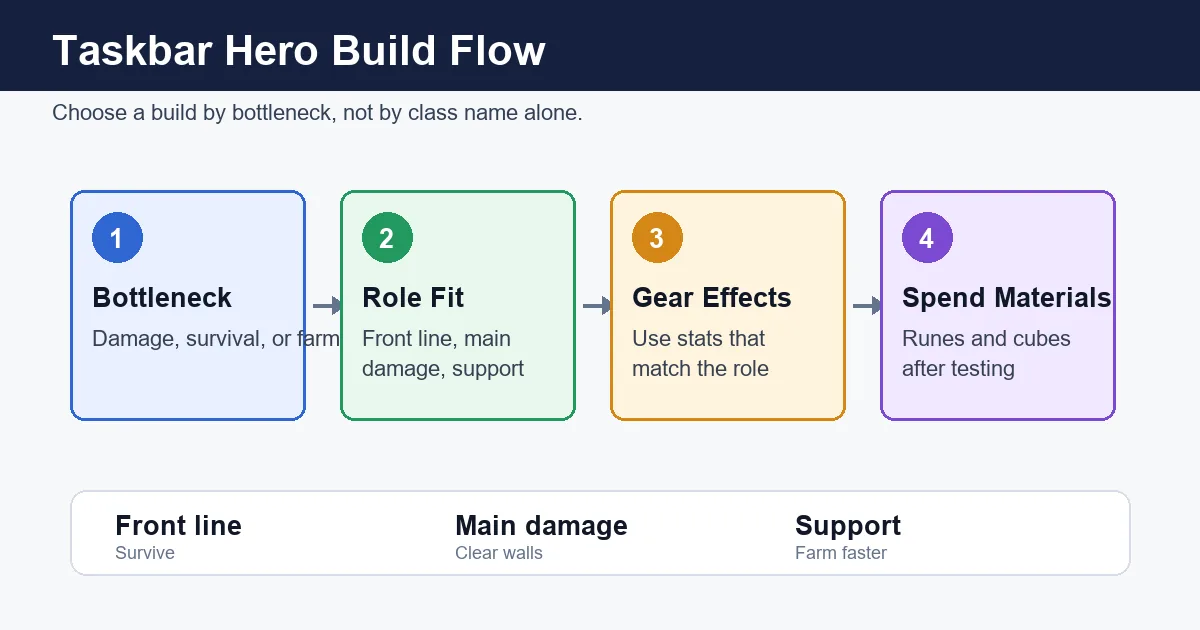
Damage gap
If enemies survive too long, compare whether a class adds meaningful offense or whether gear upgrades solve it first.
Survival gap
If idle sessions fail often, check defensive roles and sustain before chasing faster clear speed.
Farming comfort
A stable lower route can beat a fragile high route. Class DLC should support reliable farming, not just bigger numbers.
Experiment value
Players who enjoy build testing may value class DLC even when it is not strictly required for progress.
Stash, Supporter Pack, Steam Market 주의점
보관과 시장 가치는 전투력과 다른 기준입니다. 판매, 보관, 강화, 소장은 각각 따로 판단해야 합니다.
Stash is about reducing sorting friction
Consider it when comparing drops becomes a repeated chore, not just because it appears near the base game.
Supporter Pack is partly a support choice
Separate developer support and bonus ownership from pure progression value before buying.
Market price is not build power
A tradable item can be valuable on the market while being wrong for your current build.
Rules can change
DLC contents, trade restrictions, bundles, and prices can change. Current Steam notices are more reliable than old screenshots.
구매한 DLC가 보이지 않을 때
같은 콘텐츠를 다시 구매하거나 외부 로그인 페이지를 사용하지 마세요. Steam 소유권, 다운로드, 동기화를 먼저 확인합니다.
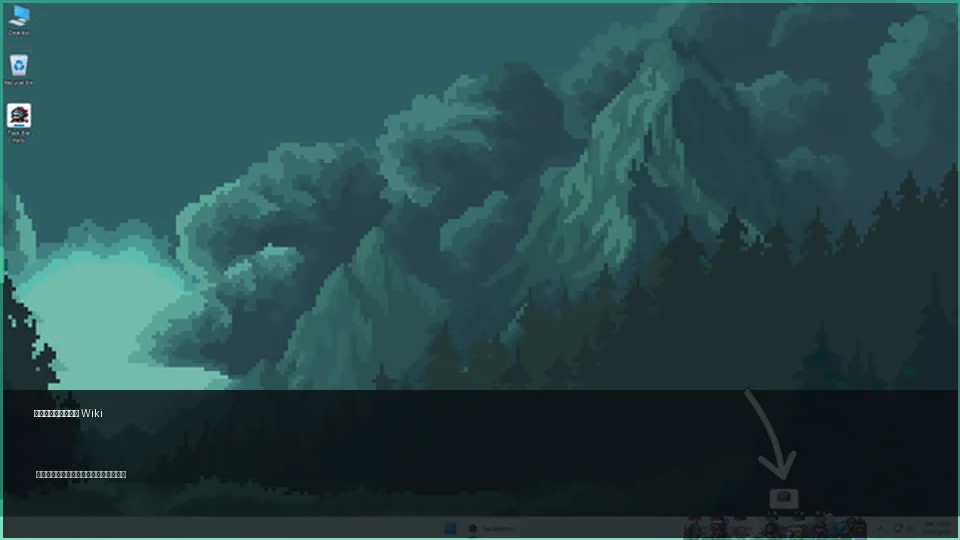
- Open TBH: Task Bar Hero in your Steam library and check Manage DLC.
- Confirm the DLC checkbox is enabled and the download is not pending.
- Fully close the game, restart it, and restart Steam if needed.
- On multiple PCs, check for Steam Cloud conflicts or failed sync notices.
- Review pending purchases, refunds, region restrictions, or Family Sharing limitations.
- Use Steam support and official announcements instead of unofficial account tools.
피해야 할 구매 실수
모든 관련 콘텐츠를 전투력 상승으로 보는 것이 흔한 실수입니다. 구매 이유를 현재 문제와 연결하세요.
| Mistake | Risk | Better choice |
|---|---|---|
| Buying a Class Bundle only because someone calls it best | The class may not solve your actual bottleneck | Decide whether you need damage, survival, farming, or support first |
| Treating stash content as mandatory on day one | You pay before storage pressure exists | Wait until loot sorting becomes repetitive |
| Selling items only by market price | You may sell an item your build needs | Separate build value, trade value, and keep value |
| Trusting old screenshots for price or contents | Bundles and included items may have changed | Use the live Steam page right before purchase |
DLC FAQ
Is Taskbar Hero DLC required?
No. Start with the free base game, learn the progression and item loop, then buy only if a DLC solves a clear need.
Should I buy the Class Bundle?
Consider it if you want more build options or a role your current setup lacks. If you have not identified the role, test free options first.
Is the Supporter Pack a progression purchase?
Treat it mainly as support or bonus content unless the live Steam description clearly says otherwise.
What should I do if DLC is not active?
Check Steam Manage DLC, downloads, game restart, Steam restart, cloud sync, and purchase status before contacting support.
Are prices and bundle contents guaranteed here?
No. Steam prices, bundles, contents, and availability can change. Always verify the live Steam listing before buying.