Taskbar Hero Discord: Official Invite, Verification, and Safety Guide
The official TBH: Task Bar Hero Steam store page currently links to discord.gg/8XFeyNYs3Y. This guide explains how to verify that invite before joining, what the server is useful for, and what to do if Discord says the link is invalid or a direct message looks suspicious.
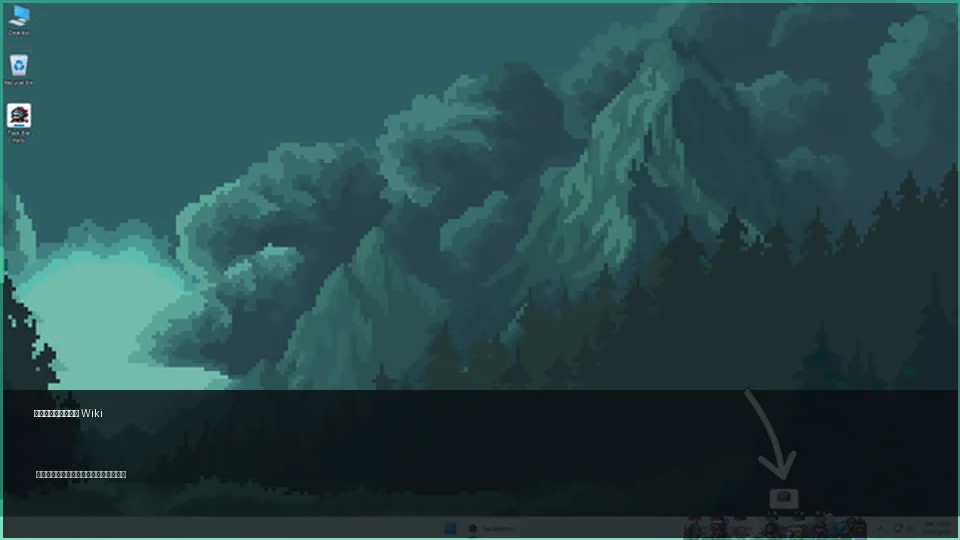
Quick answer: the verified Taskbar Hero Discord link
On July 13, 2026, the official Steam store source for TBH: Task Bar Hero contained the invite discord.gg/8XFeyNYs3Y. Open the Steam listing first when you want to re-check it, because community invites can be replaced, expire, or be copied by impersonators.
- Use the invite from the official Steam store, not a random DM or search ad.
- Discord staff should never need your Steam password, recovery code, wallet seed phrase, or payment to verify you.
- For account, purchase, or Steam Market issues, use Steam Support or the game developer's official channels instead of trusting another player.
How we verified the official invite
A Discord link is only as trustworthy as the page that publishes it. The safest chain is Steam store → official external link → Discord invite.
| Check | Verified result | What you should do |
|---|---|---|
| First-party source | The TBH: Task Bar Hero Steam store page includes discord.gg/8XFeyNYs3Y. | Open Steam and compare the invite code before accepting. |
| Game identity | Steam app 3678970 is TBH: Task Bar Hero by Nugem Studio and Tesseract Studio. | Confirm the app name and ID, especially when arriving from search. |
| Verification date | The link was checked on July 13, 2026. | Re-check Steam if you read this later or if Discord reports an error. |
| Fan-site boundary | Taskbar Hero Blog is an independent guide site and does not operate the server. | Treat Steam and the developers as the authority for current community links. |
Do not assume a link remains official forever. A fresh check against the Steam store is more useful than copying an old invitation from a forum post.
How to join without exposing your account
The joining flow is simple, but two pauses—checking the domain and reviewing Discord permissions—prevent most avoidable mistakes.
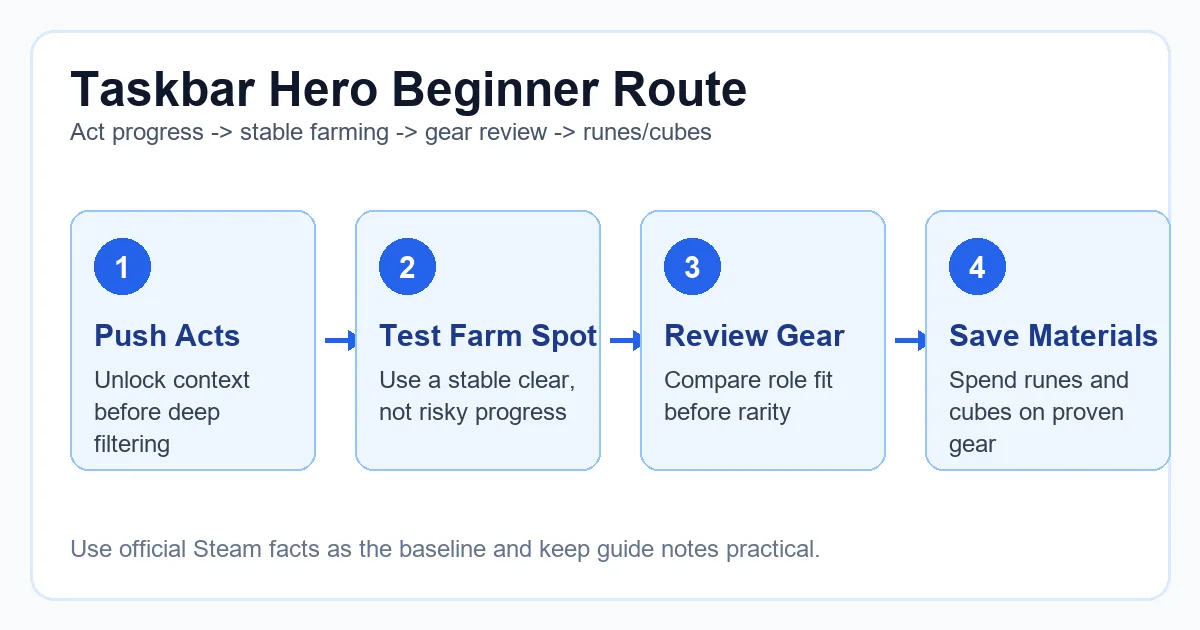
Open the Steam listing
Use the official TBH: Task Bar Hero store page and locate its Discord link.
Compare the invite
Confirm the code is 8XFeyNYs3Y before Discord opens.
Review the server
Check the server name, rules, announcement channels, and member context before accepting files or DMs.
Lock down DMs
Disable direct messages from server members if you do not want unsolicited trade or support messages.
Discord scam warning signs
The game includes Steam Market and trading-related interest, so fake support, item-check, and account-verification messages deserve extra caution.
| Signal | What it usually means | Safe response |
|---|---|---|
| A moderator asks for a password or Steam Guard code | Impersonation or account theft | Do not reply; block and report the account. |
| A bot asks you to scan a QR code to verify | Possible login-token theft | Verify only through normal Discord controls and official server instructions. |
| A stranger sends an item checker or price tracker executable | Malware or an untrusted third-party tool | Do not download it; use Steam and the in-game interface for confirmation. |
| Someone promises a refund, DLC, or market unlock after payment | Payment scam | Use Steam Support and official purchase records only. |
| The invite domain is misspelled or shortened | Phishing redirection | Close it and reopen the link from the Steam store. |
What the Taskbar Hero Discord is useful for
A community server is best used for fast context and discussion, while permanent game facts should still be checked against official announcements and the live game.
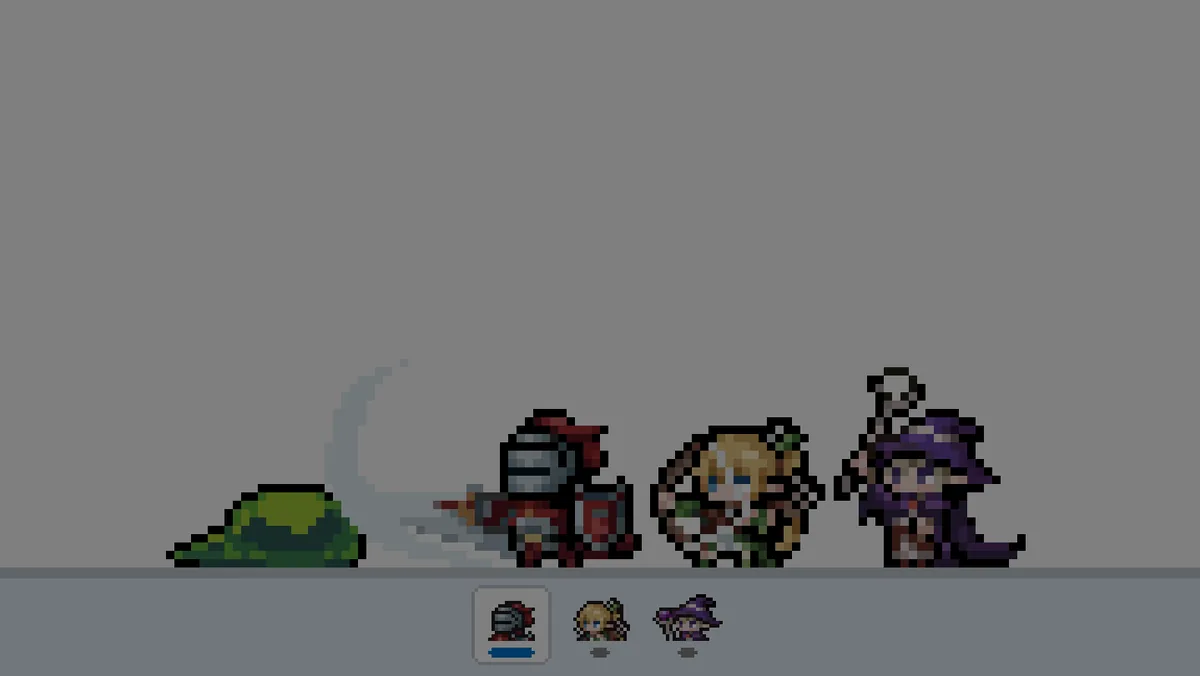
- Read announcements and patch discussion before assuming an old guide is current.
- Ask focused build questions with your class, Act, gear, and goal instead of posting only a screenshot.
- Compare market observations, then verify listings and tradability in Steam or in game.
- Search existing channels before repeating beginner, rune, cube, DLC, or pet questions.
- Treat community advice as experience, not an official guarantee.
If the invite is invalid or Discord will not open
An invalid invite does not prove the server is gone. It may be replaced, temporarily limited, blocked by a network, or already joined under another account.
Re-check Steam
Return to the official store page and open the current external link instead of reusing a saved invite.
Try the Discord app
If the browser loops or shows a blank screen, paste the invite into Discord's Add a Server flow.
Check account limits
Confirm you are signed into the intended Discord account and have not reached the server limit.
Use official alternatives
For purchases, bans, account recovery, or Steam Market problems, use Steam Support or developer contact routes.
Verification sources
These sources establish the current invitation and the official support boundary. The invite was checked on July 13, 2026.
Taskbar Hero Discord FAQ
What is the official Taskbar Hero Discord link?
The invite published by the official Steam store was discord.gg/8XFeyNYs3Y when checked on July 13, 2026. Verify it on Steam before joining.
Is the Taskbar Hero Discord run by this website?
No. Taskbar Hero Blog is an independent fan guide and does not own or moderate the Discord server.
Why does the Discord invite say invalid?
The invite may have changed, expired, hit a temporary limit, or been blocked by your browser or network. Reopen the current link from the official Steam store.
Can Discord support recover my Steam account or purchases?
Do not give account credentials to server members. Use Steam Support for account recovery, payments, refunds, and Steam Market issues.
Is a Taskbar Hero price checker sent in Discord safe?
Do not assume so. Avoid unknown executables, login pages, or QR codes. Verify item and market information through Steam, the game, and trusted documented tools.