Taskbar Hero on Steam: price, DLC, requirements, and what to check first
TBH: Task Bar Hero is a free-to-play idle RPG distributed on Steam. Before you install it, it helps to separate the free base game from paid or optional DLC, confirm the Windows-focused requirements, and understand why the Steam Market and account settings matter for this particular game.
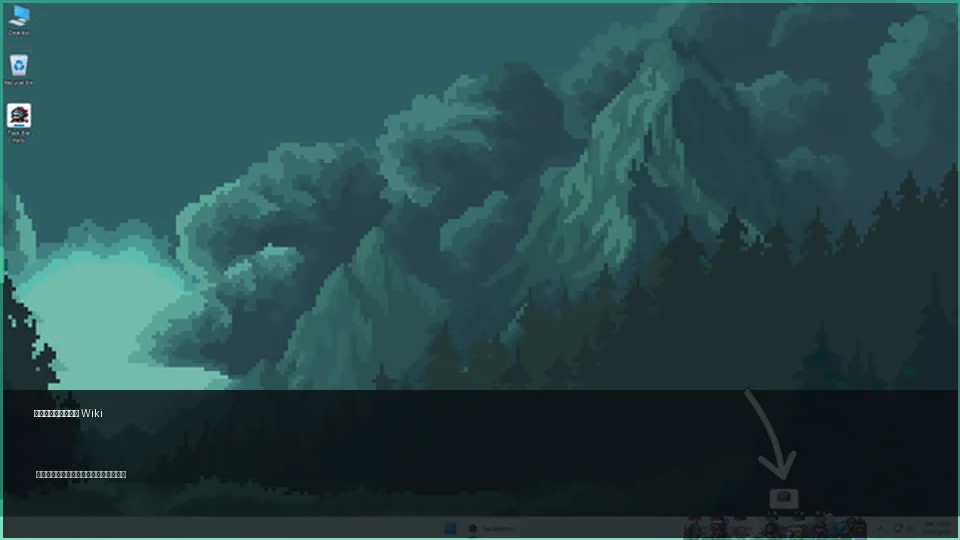
Short answer: the base game is free, but DLC and market features need a separate check
Taskbar Hero can be added from Steam as a free-to-play game, but that does not mean every related item on the store page is free or necessary. The listing may show class DLC, stash or supporter content, soundtrack purchases, bundles, Steam achievements, Steam Cloud, and Steam Market support. Treat those as separate decisions. If you only want to try the game, start with the free base game. If you plan to buy DLC or trade items, read the store page, Steam account restrictions, and the latest developer notes first.
- Confirm the store page, publisher, release date, reviews, DLC list, and Windows requirements before installing.
- Start with the free base game, then decide whether class or stash DLC solves an actual problem in your run.
- Do not treat Steam Market prices as stable strategy advice; trading rules and item values can change.
Steam facts to verify before you install
Searchers looking for Taskbar Hero on Steam usually want a direct answer: where to download it, whether it costs money, who made it, and whether their PC can run it. The table below gives a practical reading order for the official listing without turning the store page into guesswork.
| Item | What to check | How to read it |
|---|---|---|
| Official name | TBH: Task Bar Hero | People also search for Taskbar Hero, Task Bar Hero, and TBH, so verify the AppID and publisher. |
| Base price | Free to play | DLC, bundles, and soundtrack content may still have their own prices. |
| Release date | 27 May 2026 | Use Steam news and the store page for current update context. |
| Developer and publisher | Nugem Studio, Tesseract Studio / Nugem Studio | Prefer the official listing over copied fan summaries when details differ. |
| Steam features | Achievements, Steam Cloud, Steam Market, and related store content | Market behavior can be adjusted by Steam or the developer, so check before trading. |
Prices, reviews, bundles, and market status can change. This guide explains what to inspect, while the final purchase or install decision should use the live Steam page.
Safe way to start from Steam
Because this is a free game with tradable items, avoid unofficial download mirrors, repacks, and pages that ask you to sign in outside Steam. The clean route is simple: use the Steam client or the official web store, add the base game, and check account security before handling market items.
Open the official Steam listing
Check the URL, AppID, title, publisher, and store branding. Avoid third-party download buttons or pages that imitate Steam login screens.
Separate the base game from DLC
The base game is the starting point. Class DLC, supporter packs, stash expansions, and soundtrack purchases should be evaluated only after you know what you need.
Check OS and storage details
The official target is Windows 10 / 11. If you are experimenting with Proton or Steam Deck, look for current community reports before assuming it will behave like a normal full-screen game.
Run a short first-session test
Because the game lives around the taskbar, test display behavior, mouse input, window transparency, notifications, and system load before long idle sessions.
Review market rules before trading
If tradable drops are part of your plan, check Steam Guard, trade holds, item restrictions, and recent developer updates before listing or buying items.
Requirements and setup cautions
Taskbar Hero is not a typical full-screen RPG. A small desktop companion needs a different checklist: operating system, window behavior, account sync, and whether the game interrupts your real work or streaming setup.
Prioritize Windows 10 / 11
The official listing targets Windows PC. Proton reports are useful, but transparency and input issues make Linux or Steam Deck a test case rather than the default recommendation.
Check Steam Cloud
If you play on more than one PC, confirm that cloud sync is enabled and that the first launch does not show a conflict or failed sync warning.
Mind the desktop overlay
A taskbar-sized game can appear in screenshots, streams, or screen sharing. Check window position and notifications before leaving it open at work.
Protect your Steam account
Market features make Steam Guard, login history, trusted devices, and external-link caution more important than they would be for a purely offline idle game.
How to think about DLC, classes, and the Steam Market
The store page may show supporter content, extra classes, stash-related purchases, soundtrack content, and bundles near the free base game. None of that should be read as a mandatory day-one shopping list. First understand your progression bottleneck, then decide whether a purchase actually changes your build, storage, or comfort.
Class DLC should match a role
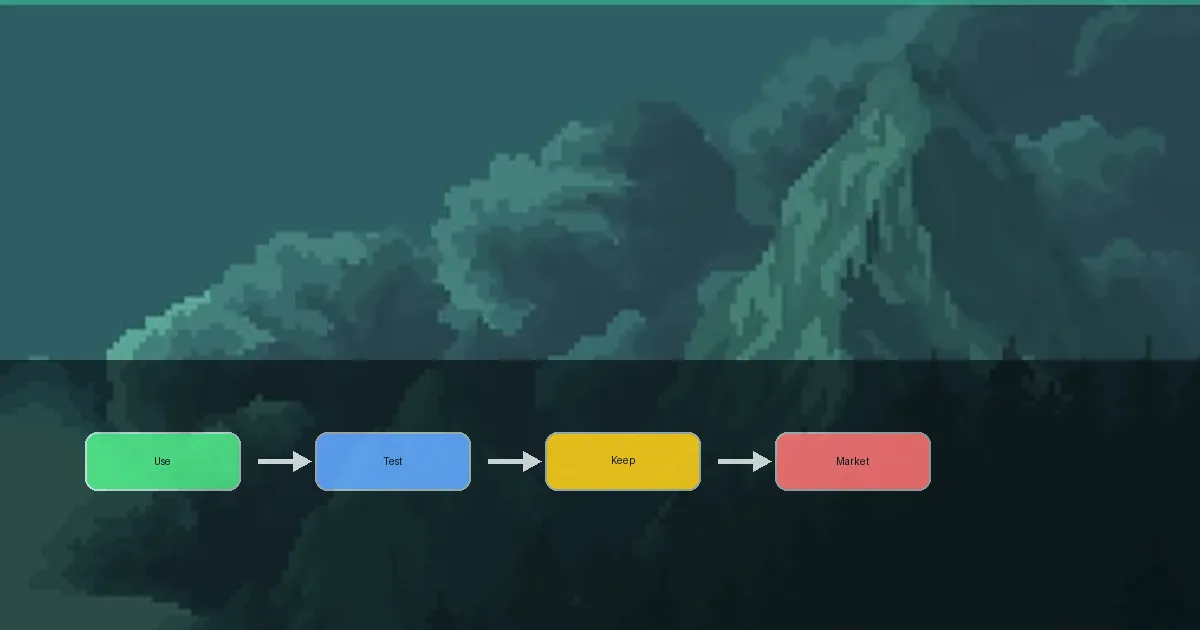
Before buying a class, decide whether your run needs damage, survival, farming comfort, or support. A paid class is not automatically the best answer for every account.
Stash DLC is about organization
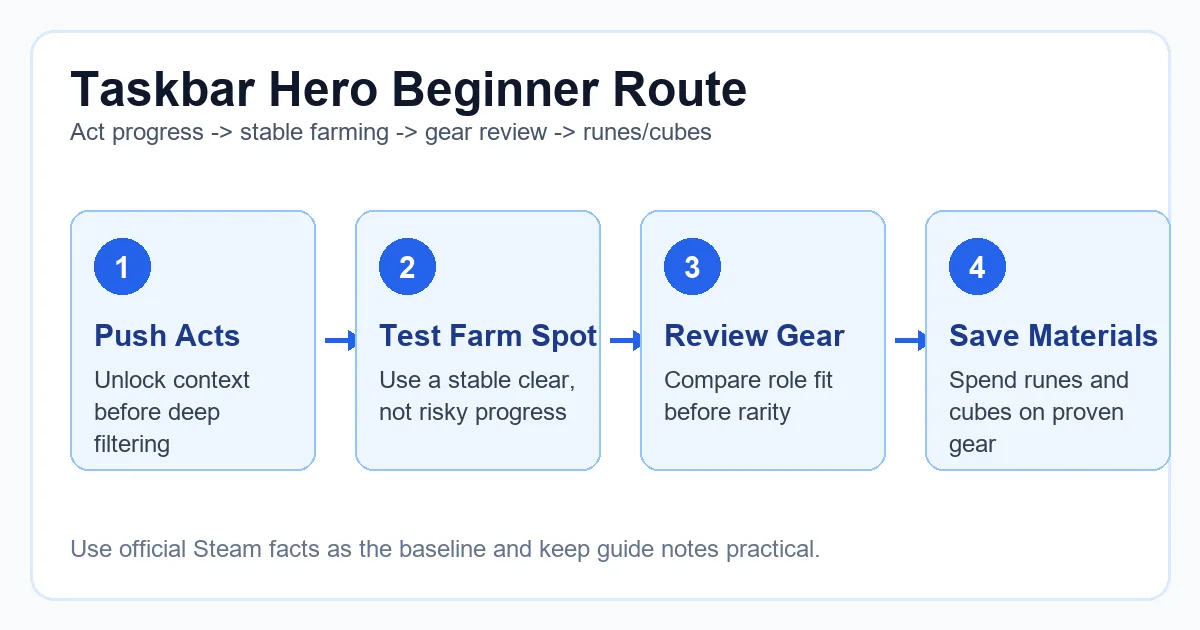
Extra storage becomes more valuable when you compare many drops. On the first day, learn the loot loop before paying for more room.
Market price is not build power
An item that sells well is not always the item your current build should equip. Check stats, rarity, and role fit before selling or upgrading.
Rules can change
High activity around tradable items can lead to trade restrictions or developer adjustments. Use current Steam notices rather than old screenshots or forum claims.
Pre-play checklist
Use this list when you arrive from a search result and want to avoid the most common setup mistakes. It keeps the install path, cost decision, environment check, and market caution in one place.
- Verify the official Steam title, AppID, developer, publisher, and store URL.
- Confirm whether you are adding the free base game, buying a DLC, or buying a bundle.
- Check Windows 10 / 11 compatibility, available storage, and Steam Cloud status.
- Install the free base game first and play enough to understand the progression loop before buying optional content.
- Enable Steam Guard and review market restrictions before trading or listing items.
- Test one short session for display, input, performance, and idle stability before leaving the game running for hours.
FAQ
Is Taskbar Hero free on Steam?
The base game is listed as free to play on Steam. Optional DLC, bundles, and soundtrack content can still have separate prices, so check the exact item before buying.
Does Taskbar Hero work on Steam Deck or Linux?
The official target is Windows 10 / 11. Community Proton reports exist, but transparency and input behavior can be unreliable, so Windows is the safer recommendation.
Should I buy DLC before playing?
No. Start with the free base game, learn the combat and loot loop, then decide whether a class, storage, or supporter purchase solves a real need.
Can I use the Steam Market to make profit?
Market prices, item restrictions, and trade rules can change. Treat trading as a separate risk decision, protect your Steam account, and do not assume old prices will continue.