When Is the Next Taskbar Hero Update? How to Check the Schedule
If you are searching for a Taskbar Hero new update, the useful answer is a dated verification method rather than a made-up roadmap. This guide separates the public 1.01.05 checkpoint from an unconfirmed next date and shows where to check first.
The next Taskbar Hero update date is not confirmed in the records checked
When is the next Taskbar Hero update? As of August 16, 2026, the latest public checkpoint I could verify is version 1.01.05, dated August 11, 2026. I did not find a confirmed later release date in the official records checked for this page. That means the honest answer is “not announced here yet,” not a guessed day or a copied community rumour.
- Use the official Steam announcements page as the first check for a new public date, version, or developer note.
- Keep the current-version details on the update guide; this page owns the future-date and schedule-checking intent.
- Treat SteamDB or community posts as timeline clues only until the developer's own announcement confirms the change.
- If a later version appears, record its date, link, and scope before changing build, farming, pet, or market advice.
What is confirmed now
A schedule page needs a visible date boundary. The table below records the public checkpoint and the exact limit of what can be claimed from it.
| Check | Current result | How to use it |
|---|---|---|
| Latest public checkpoint | 1.01.05 | Public Steam update record dated August 11, 2026; checked here on August 16, 2026. |
| Next release date | Not confirmed | No later date was confirmed in the official records checked for this page. |
| Primary source | Steam Community announcements | Use the developer's post for the version, date, and exact change scope. |
| Page boundary | Dated schedule guide | Refresh this page when an official post changes the public checkpoint or announces a date. |
The absence of a public date is not evidence that no update is planned. It only means this page does not have a verified date to publish as of the check date.
How to check for a Taskbar Hero planned update
Use the same order every time so an old patch note, a store update, and a player prediction do not get mixed together. The process takes only a few minutes and leaves a useful date trail.
Open the official announcements
Start with the Steam Community announcements page linked above. Look for a new developer post, its publication date, a version number, and a clear description of whether it is a patch, hotfix, content release, or maintenance note.
Match the installed version
Let Steam finish downloading, restart the game, and compare the installed build with the public post. Do not use an old screenshot or a video date as a substitute for the version currently installed on your machine.
Separate date from speculation
A community reply, YouTube title, Discord message, or SteamDB timestamp can help you find a lead, but it is not a confirmed roadmap. Label it as unconfirmed until the developer publishes the date or release note.
Record what actually changed
Save the announcement URL, check date, version, and affected systems. Then retest one build, route, item, pet, or market question with matched conditions before updating a recommendation.
Refresh the guide when evidence changes
If a later announcement appears, update the current-version page first, then update this schedule page's checkpoint and date. Do not leave an old date in a title, FAQ, image caption, or internal link.
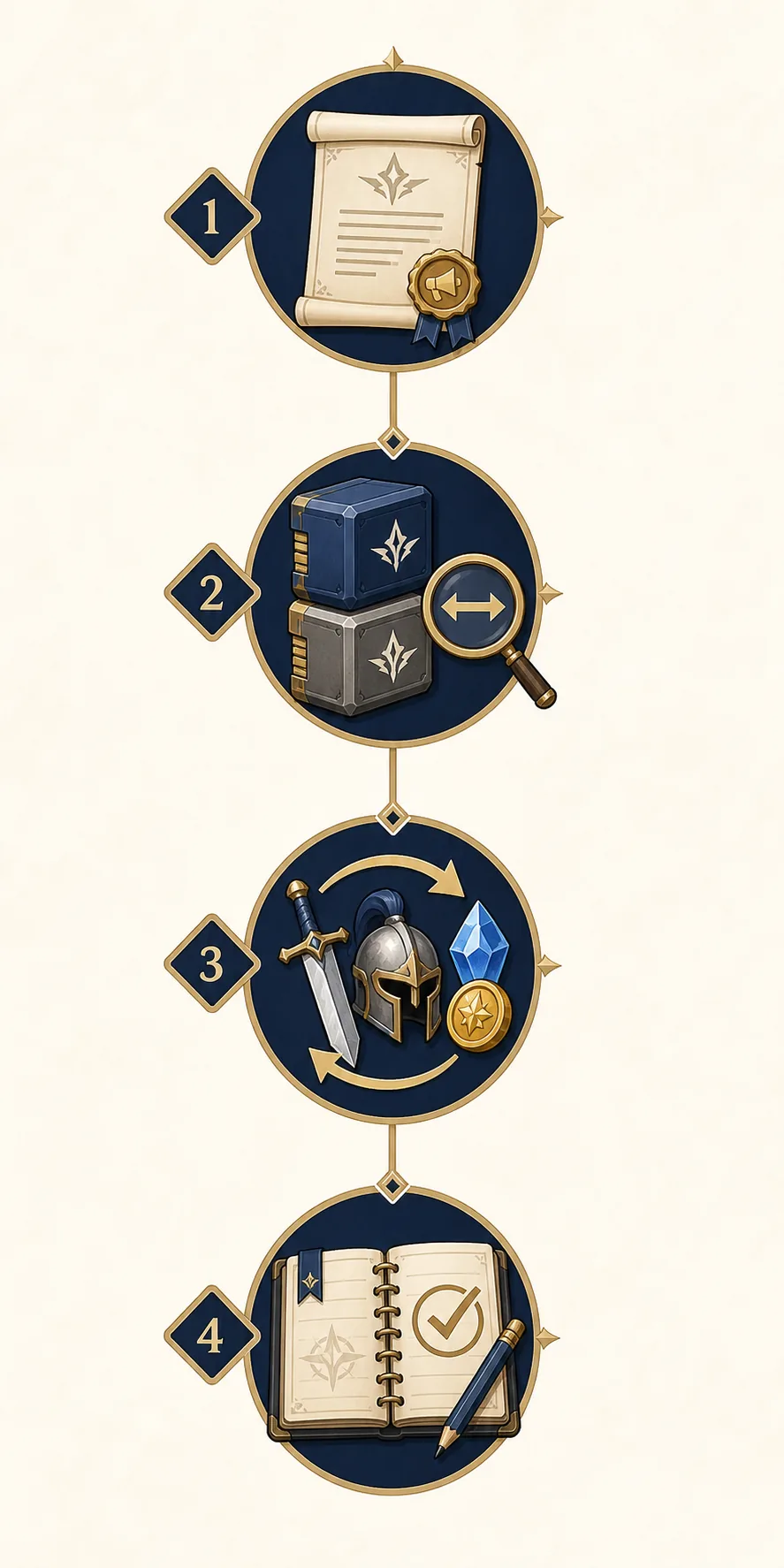
What counts as evidence of a new update
The phrase Taskbar Hero update can describe a live patch, an old announcement, or a player discussion. These signals help you decide how much confidence to attach to each one.
Developer announcement
A dated Steam Community post from the developer is the strongest public evidence for a release date or change list. Save the exact URL and do not paraphrase a roadmap beyond what the post says.
Steam build actually delivered
A downloaded update and a matching installed version show that a release reached players. Confirm the build after restarting Steam; a store page alone does not tell you which local files finished updating.
Future schedule language
Words such as planned, next, coming, or soon can signal intent, but they are not the same as a guaranteed date. Preserve the original wording and mark the timing as unconfirmed when no date is supplied.
Repeatable player result
A controlled before-and-after test can show that behaviour changed, but it cannot prove a future roadmap. Use it to update the relevant build, pet, item, or farming page after the official source is checked.
What to do with each update signal
This decision table keeps the new page narrow. It tells you where each kind of evidence belongs instead of making one schedule article compete with every current patch and build query.
| Signal | Evidence standard | Recommended action |
|---|---|---|
| A dated developer announcement appears | High: official post with date and version | Update the current update guide and this schedule checkpoint. |
| Steam downloads a newer build | Medium to high: local version matches the public record | Retest the affected guide; do not infer every balance change. |
| SteamDB shows a time entry | Secondary: useful timeline clue | Use it to find the official post, not as the sole roadmap source. |
| A community post predicts a date | Low until developer-confirmed | Keep it out of the published schedule; mark it unconfirmed if discussed. |
| A player sees different damage or drops | Test evidence, not roadmap evidence | Link to the matching build, pet, item, or farming guide for a controlled retest. |
A page can be useful even when the answer is “not confirmed.” The value is the transparent check date, source hierarchy, and next action.
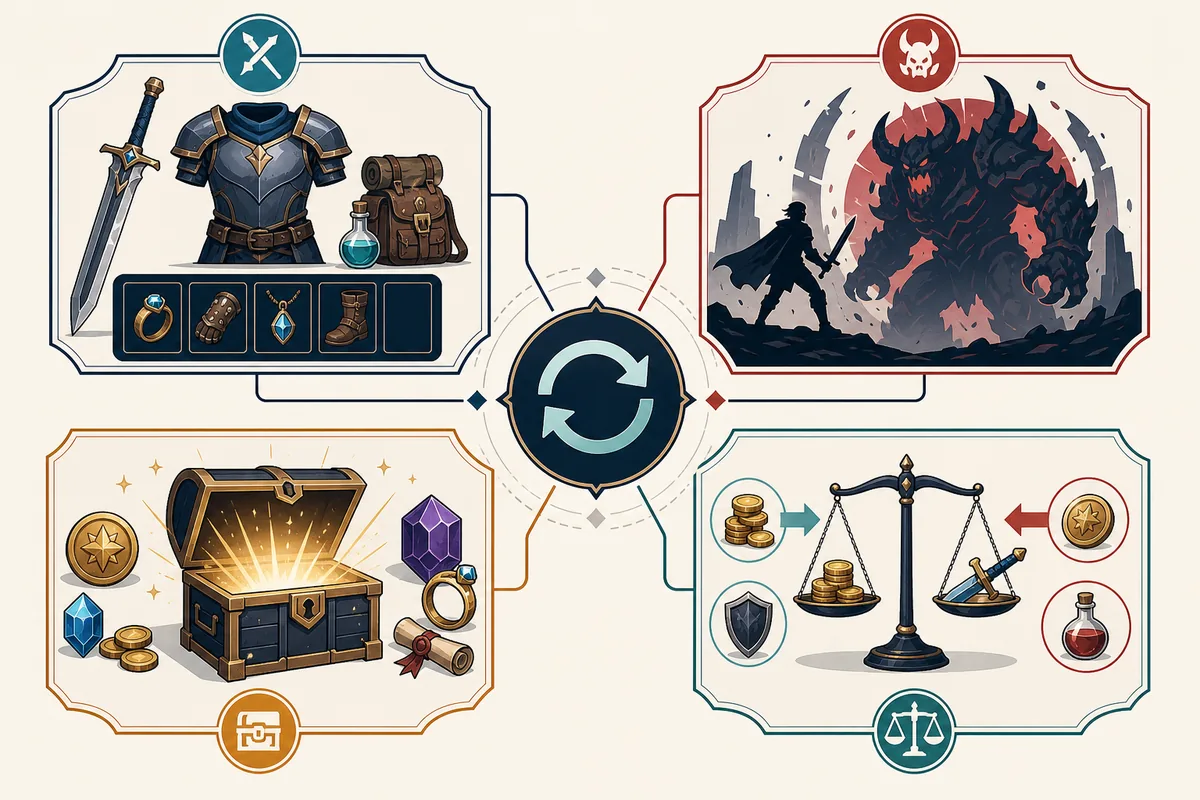
What not to assume
The search for a next update often turns a small clue into a confident headline. Keep these boundaries visible when you write, stream, or update a guide.
- Do not turn “soon” or “planned” into a calendar date when the official post gives none.
- Do not call a SteamDB timestamp an official roadmap or a guaranteed release window.
- Do not treat a new version number as proof that every class, rune, pet, item, or market value changed.
- Do not copy an old patch note into a new update page without checking its publication date and scope.
- Do not leave a stale “latest” claim visible after a later official record changes the checkpoint.
Sources and date limits
This page uses first-party Steam pages for the public checkpoint and uses secondary timeline data only as a discovery aid. All claims are bounded by the August 16, 2026 check date.
- Official Steam update announcements — Primary source for a new public version, date, and developer note.
- Official Steam game page — First-party listing for the game and platform context.
- SteamDB patch timeline — Secondary timeline aid; verify the actual change on Steam.
Taskbar Hero next update FAQ
When is the next Taskbar Hero update?
As of August 16, 2026, I could verify the public 1.01.05 checkpoint dated August 11, 2026, but not a confirmed later release date in the official records checked. Recheck Steam Community announcements for a newer post.
Is there a planned update for Taskbar Hero?
A planned update should be treated as confirmed only when the developer states it in an official post. Community predictions and secondary timeline entries can point you toward a source, but they do not create a guaranteed schedule.
Where should I check the Taskbar Hero update plan?
Start with the official Steam Community announcements, then match the installed Steam build after restarting the client. Use SteamDB as a secondary timestamp aid, not as a replacement for the developer's post.
Should I change my build before the next update?
No automatic change is justified by an unconfirmed schedule. Keep the current build testable, record your class, gear, runes, cubes, route, and result, and retest only the affected system after a verified update.
Will the next update change pets, items, or the market?
It may, but the effect cannot be inferred from a date or version number alone. Read the official scope and send each gameplay question to the matching pet, item, farming, or market guide.
Why does this page say the date is not confirmed?
Because a useful guide should distinguish a verified fact from an absence of evidence. The page records what was checked, when it was checked, and what source would be strong enough to change the answer.